How to Share a Google Doc or Google Sheet as a Template
It’s super easy to share a Google Doc or Google sheet as a template that forces people to make a copy that they can update in their own Google Drive (and not mess up your master version!).
Watch the video below or keep reading for step-by-step instructions below.
Here’s how to do it….
(1) While editing a Google Doc or Sheet, click the Share Button in the upper righthand corner of the screen

(2) In the Share Dialog Box, under “General Access” change from Restricted to “Anyone with the Link” and make sure “Viewer” is selected
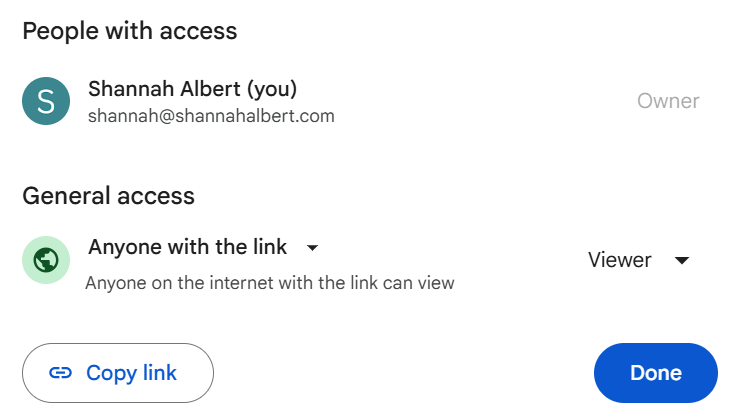
(3) Click “Copy Link”
You will have a link that looks like this:
https://docs.google.com/document/d/1YB7mhT1bQFAkicR3ycouX-cxHZL3xffM7iS3qTv7qZk/edit?usp=sharing
(If you share this link, people can view the document and make a copy using the file menu, but there is a better way!)
(4) Replace /edit?usp=sharing at the end of your link with one of the following:
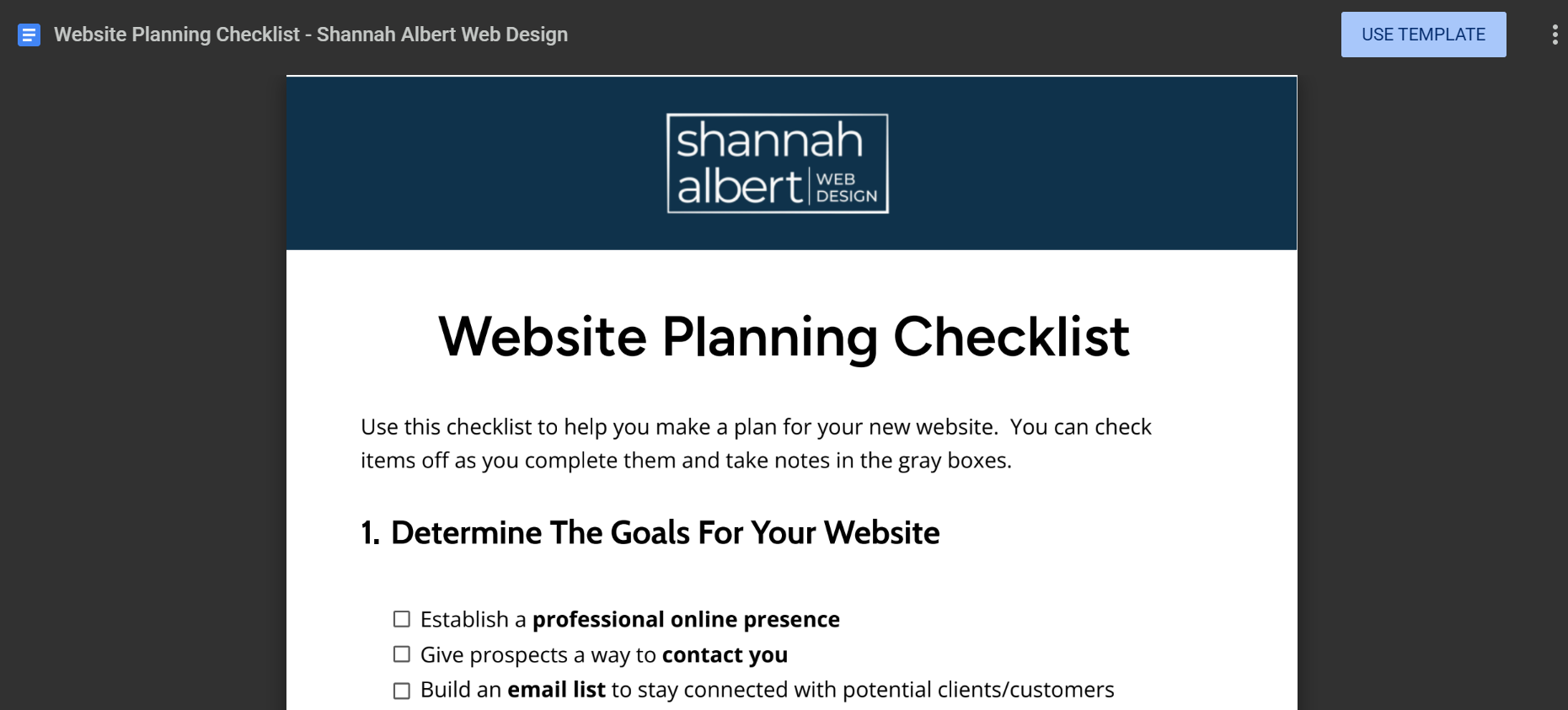
/template/preview
This option will show a preview of the file with a “Use Template” button people can click to make a copy of the file
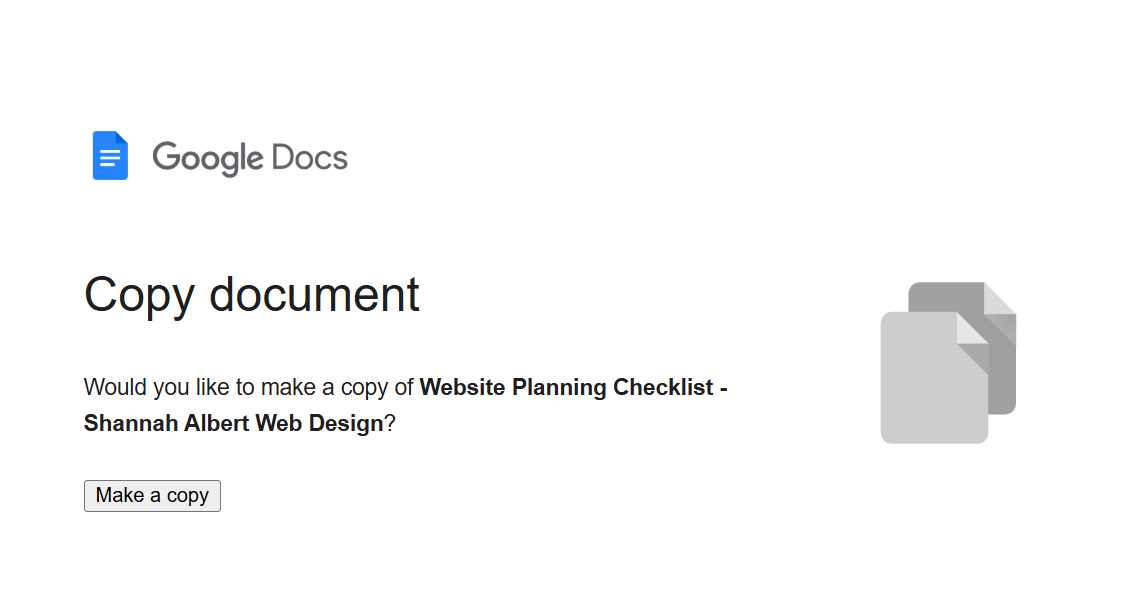
/copy
This option will display a generic page with a button prompting people to make a copy of the file
The Net-Net
Google files are a great way to share templates as lead magnets or working files that people can copy and update on their own!